
👉 Transition Animation Management
Transition animations are used in fast-editing to insert fixed intro, transition, and outro videos.

Upload Transition Animation
Path: Media Assets > Transition Animation

Only supports files smaller than 100MB in MP4 format.
Click "Upload".
Select the file.
Please ensure the file meets the following specifications:
Horizontal transition animation: 1920 * 1080
Vertical transition animation: 1920 * 1080, with the video centered
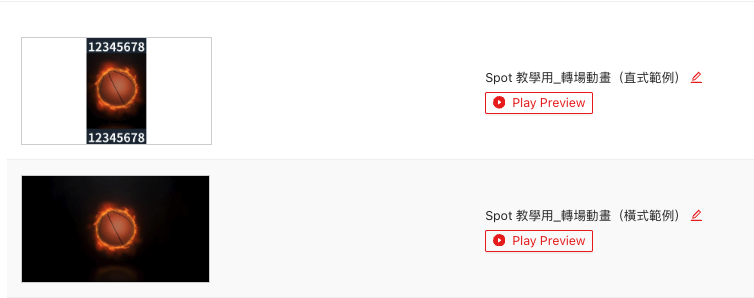
Name the Transition Animation
Path: Media Assets > Transition Animation
Find the uploaded file name.
Click the "pencil icon".

Enter a name.
Press Enter to complete the edit.替轉場動畫命名
Delete Transition Animation
Path: Media Assets > Transition Animation
Click "Delete".
Confirm deletion by clicking "Yes".