
Path: Login to Spot Website > All Videos
Edit Event Name and Event Time (should be adjusted to the live stream time)
The event time will affect:
Video recording time: Default is 30 minutes before the event starts to 3.5 hours after the event starts (a maximum of 4 hours).
Function triggers (such as auto captions, cards) on the server.

Recommendation: Set the time in advance. Avoid changing the time within 30 minutes before the event to prevent issues with related functions. If the time needs to be urgently adjusted to the current time, do not repeatedly change the time to avoid issues. For example, for an event on 10/17 at 14:30, do not change the time after 13:59 on 10/17.
Start Signal Transmission
Signal Transmission Tools:
Refer to the signal transmission document for RTMP location.
Confirm Signal Accuracy
Use the signal check link in the signal transmission document to verify the signal.
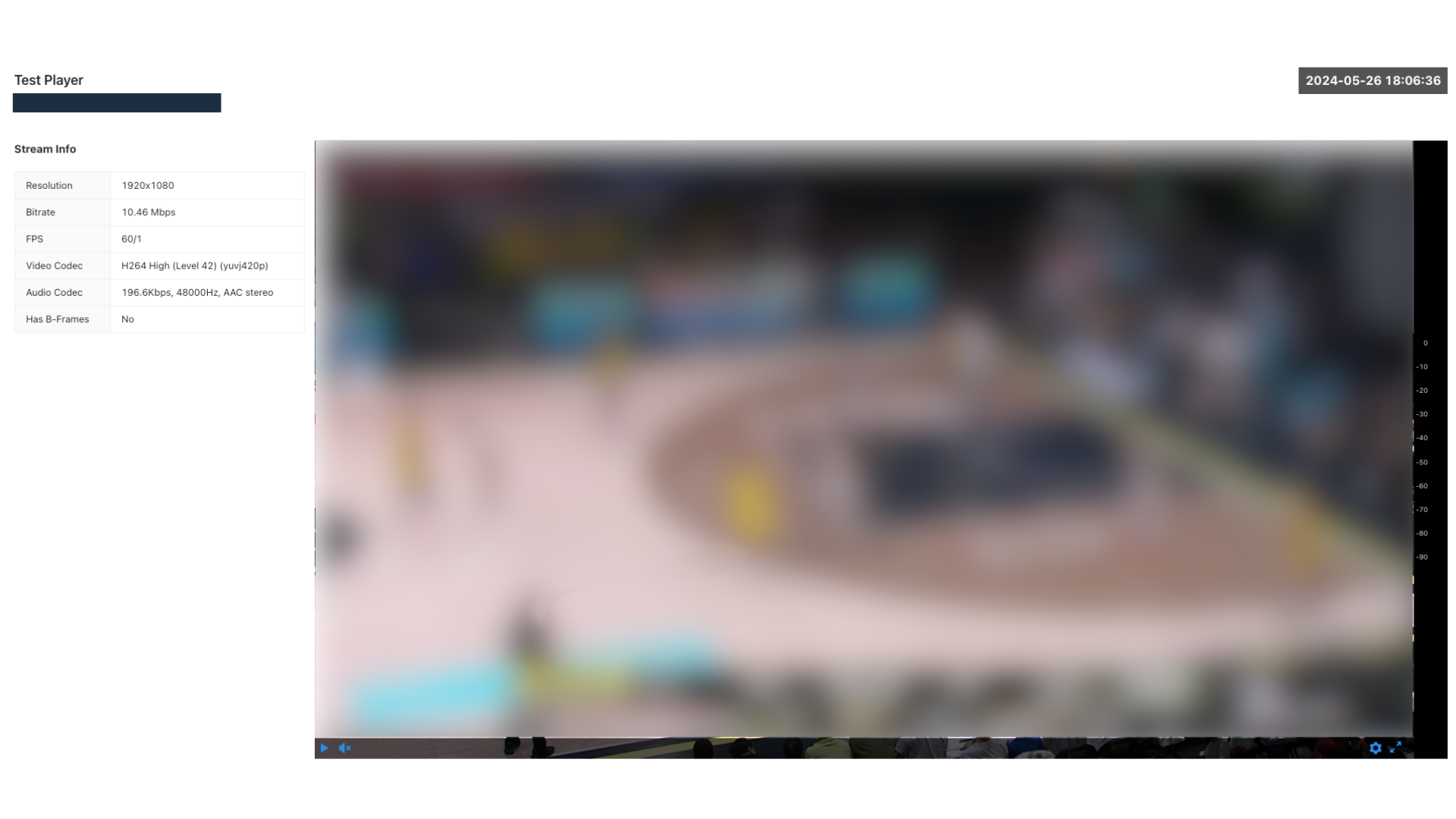
Resolution: 1920 * 1080
Bitrate: Refer to the signal transmission document
FPS: Refer to the signal transmission document
Has B frame: NO